guide
Wine cellar inventory apps: what to look for and which one fits your cellar
An honest comparison of wine cellar apps, including CellarTracker, InVintory, VinoCell and Vivino: scanning, drinking windows, bin mapping, valuation, export and shared access.
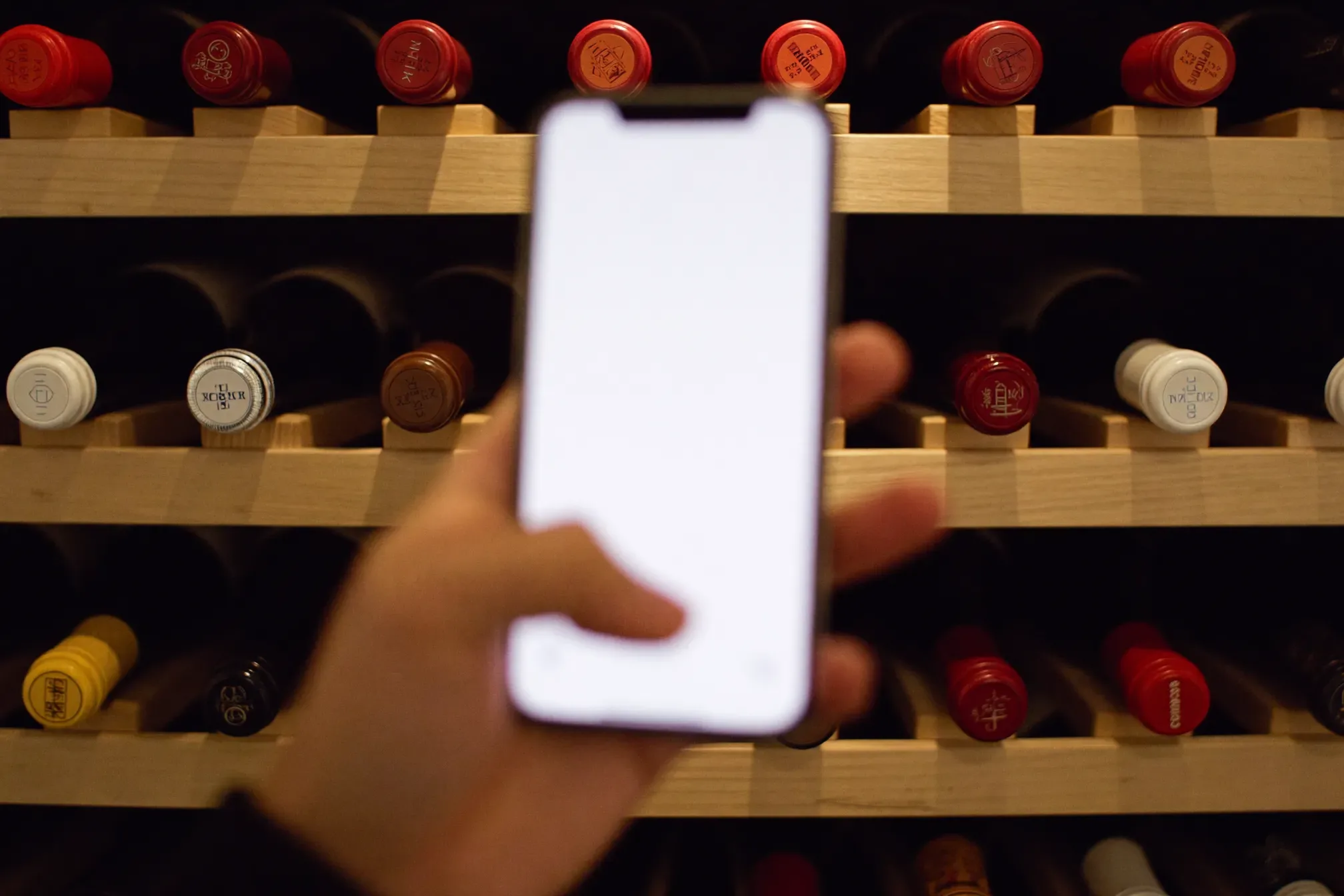
A cellar with a few hundred bottles stops being something you can hold in your head. You forget what you bought, you open a bottle two years too late, and you spend ten minutes with a flashlight looking for the one you want. A wine cellar inventory app fixes that, if you pick one that matches how you actually use the cellar.
This is a research piece, not a hands-on review. We build cellars, and we are regularly asked which app to put on the phone once the racks are full. Below is what we would look for, how the apps that are still actively available stack up on paper as of October 2026, and how to run the first cataloging session so the data is worth having.
What to look for in a wine cellar app
Most apps can hold a list of wines. The differences show up in six places.
Barcode and label scanning accuracy
Scanning is how you add bottles quickly, and it is where most of the frustration lives. Two methods are common:
- Barcode (UPC/EAN) scanning. Fast when it works. The catch is that a barcode usually identifies a product, not a vintage, so the same code can cover several years of the same wine. Many imported and small-producer bottles carry no retail barcode at all.
- Label recognition. You photograph the front label and the app matches it against its database. It tends to get the producer and wine right more often than the vintage, and it struggles with handwritten, hand-dipped or very old labels.
Whichever method an app uses, check the vintage on every scan. A wrong vintage throws off the drinking window, the value and the tasting notes attached to that bottle.
Drinking windows
A drinking window is the range of years a wine is expected to be at its best. Apps get these from critics, from community averages, or from a formula based on region and grape. What you want is a window on most of your bottles, the source of each window shown, and a way to override it with your own judgment. Alerts for bottles entering or leaving their window are the feature that actually changes what you open on a Tuesday.
Bin and rack location mapping
This is the feature that matters most in a real cellar and the one most apps handle worst. At minimum you want a location field and a bin field for every bottle, so the app can tell you "Rack B, column 4, row 7" rather than "somewhere in the cellar." Some apps go further with a visual map of the racks. A map is pleasant, but a consistent text scheme that you can export is more durable.
If you are still planning the room, settle the rack layout before you choose the naming scheme. Our guide to wine cellar racking covers layouts that make bin numbering simple.
Valuation
Valuation pulls market or auction prices for each wine and totals the collection. It is useful for insurance schedules and for deciding what to sell. Treat the number as an estimate: prices for rare or small-production wines are thin, and an app can only value a bottle it identified correctly.
Export and data ownership
This is the requirement we would put first. Cataloging a cellar is hours of work, and you should be able to take that work with you. Look for a full export to CSV or Excel that includes location and bin for each bottle, not just a wine list. Do a test export in the first week, open it in a spreadsheet, and confirm the bin data came through. If an app has no export, you are renting your own records.
Multi-user access
Households share cellars. If a partner, a house manager or a collector you work with needs to pull bottles, check how sharing works. Some apps give every collaborator full edit rights; others offer roles. Without shared access, the person who pulls a bottle and does not log it is the reason the count drifts.
The apps we would consider
These are the apps we could confirm are still available and updated in 2026. Pricing and features change often, so treat the figures as a snapshot and check the store listing before you commit.
CellarTracker
CellarTracker is the long-running standard for serious collectors, with a large community database of wines and tasting notes. It runs on iOS, Android and the web. Tracking inventory is free. A paid subscription is priced by cellar size, from about $40 a year for up to 100 bottles to about $500 a year for 2,500 or more, and it adds automatic valuation, wider drinking-window coverage, drinkability alerts and printable barcode labels.
Every bottle has a Location and a Bin field. The desktop site exports to CSV and other formats, and the Individual Bottles view includes location and bin in the export. Account sharing exists, but the documented option grants another user complete control of the cellar; we did not find a read-only role. The current mobile app adds wines by barcode, label scan or forwarded receipts. Note that the export is a desktop-site feature, not something you run from the phone.
InVintory
InVintory is the most visual of the group. It runs on iOS, Android, the web, and on Apple silicon Macs. The free tier allows unlimited bottles, up to 10 cellars or fridges, label scanning, per-wine market prices, drinking windows on wines that have them, CSV export, and collaborators with adjustable access levels.
Premium costs $149.99 a year and adds 3D cellar builds with bottle locating, total collection value, receipt scanning and barcode label printing. An Elite tier is priced on request and adds custom 3D cellars and sensor integration. The 3D map is the feature people buy it for. If you already have a sensible bin scheme, the free tier covers much of what a collector needs.
VinoCell
VinoCell is an iPhone and iPad app sold for a one-time $9.99, with no in-app purchases listed. It received an iOS compatibility update in September 2026. It offers a graphical cellar with configurable racks and shelves, tracking of a bottle's life from purchase to drinking, and import and export in CSV and Excel formats. Your data syncs across devices through a VinoCell account.
We could not confirm an Android version, and the listing does not describe collection valuation or multi-user roles. For a single owner on Apple devices who does not want another subscription, it is the simplest option here.
Vivino
Vivino is a wine discovery and shopping app first. Its label scanner and community ratings are widely used, and it has a cellar feature that lets you save the bottles you own and see drinking windows. It runs on iOS and Android and is free, with an optional Premium tier aimed at shopping perks.
As an inventory tool it is basic. We found no documented bin or location field and no built-in cellar export. It is a reasonable place to start for a few dozen bottles in a fridge. For a built cellar, we would use it to identify wines and keep the inventory somewhere else.
What we left out, and why
- Wine-Searcher is a price and availability search engine with a label scanner and a paid PRO tier. It is useful for checking what a bottle is worth or where to buy it, but it is not an inventory app.
- Delectable is still listed in the App Store as a scan-and-rate tasting journal, but its listing shows no update since 2021 and no cellar inventory feature. We would not start a new catalog in it.
Comparison table
| App | Platforms | Pricing model | Bin / location | Valuation | Export | Shared access |
|---|---|---|---|---|---|---|
| CellarTracker | iOS, Android, web | Free inventory; paid tiers about $40 to $500/yr by cellar size | Location and bin fields per bottle | Paid tiers | CSV and other formats from desktop site, incl. bin | Full-control sharing; no read-only role found |
| InVintory | iOS, Android, web, Mac | Free; Premium $149.99/yr; Elite on request | Cellars and fridges free; 3D map and bottle locating on Premium | Per-wine free; collection total on Premium | CSV (PDF per FAQ) | Collaborators with access levels |
| VinoCell | iPhone, iPad | One-time $9.99 | Visual rack and shelf map | Not advertised | CSV and Excel, PDF | Sync for one account; no roles documented |
| Vivino | iOS, Android | Free; optional Premium | None documented | Per-wine prices, not a collection tool | None documented | Single user |
Which one for whom
- A built cellar of 300 bottles or more, with an eye on value. CellarTracker. The database is deep, the export is complete, and the subscription is priced by cellar size. Accept that sharing means full control.
- A household that shares the cellar, or anyone who wants to see the racks. InVintory. Collaborator roles and the 3D map are its strengths, and the free tier is generous enough to try properly before paying.
- One person, Apple devices, no subscription. VinoCell. Pay once, map your racks, export to Excel whenever you want.
- A wine fridge or a first case or two. Vivino is fine. When the collection outgrows a fridge, export what you can and move.
Whatever you choose, plan the move out on day one. If the export includes location and bin, you can switch apps later with a spreadsheet and an afternoon.
Running the first cataloging session
The first session decides whether the data is trustworthy. Most abandoned inventories were started in a hurry.
Define the location scheme before you scan anything
Pick a naming scheme and write it on a card inside the cellar door. A scheme that works in almost any room:
- Rack letter for each section of racking, left to right as you walk in (A, B, C).
- Column number counted from the left.
- Row number counted from the top or the bottom. Pick one and never change it.
A bottle in the third section, fourth column, seventh row becomes C-04-07. Use leading zeros so the codes sort correctly in a spreadsheet; CellarTracker's own help pages recommend the same. Give cases, the wine fridge and any offsite storage their own location names. Then put small labels on the racks, at least at the end of each column and row. A scheme nobody can read in the dark does not get used.
Do it rack by rack
Work one rack section at a time, top to bottom, and finish it before you move on. Pull a bottle, scan it, confirm the vintage, enter the bin, put it back in the same slot. Do not reorganize while you catalog; record what is there, then move bottles afterwards and log the moves. Mixing the two jobs is how bottles go missing on paper.
Two people make this much faster: one handles bottles and reads labels, the other works the phone. Budget an evening for every few hundred bottles, more if many wines will not scan. The cellar should be holding around 55°F (13°C), so dress for a long session in the cold rather than propping the door open, which loads the cooling unit and lets warm, humid air in. See ideal cellar temperature and humidity for why that matters.
Tag what you will want to search for later
While each bottle is in your hand, add the things that are hard to add later: purchase price, where you bought it, and tags such as "gift", "for the wedding" or "do not open before 2030." Keep the tag list short and consistent; ten tags used properly beat fifty used once.
Keep it accurate after day one
An inventory is only as good as its least careful user. Log every bottle pulled, ideally at the cellar door. Then do a spot check every few months: pick one rack, count it, and compare to the app. If a rack is off, recount it and find out why. For the handling side of all this, including how to lay bottles down, see how to store wine.
If you are building or reworking a cellar and want the rack layout and bin scheme planned together, our team is happy to help through contact our experts.
FAQ
Frequently asked questions
- What is the best wine cellar inventory app?
- It depends on the cellar. CellarTracker suits large collections and anyone who wants valuation and a deep wine database. InVintory suits households that share a cellar or want a visual rack map. VinoCell suits a single owner on iPhone or iPad who prefers a one-time purchase. Vivino is fine for a small fridge collection but is basic as an inventory tool.
- Is there a free wine cellar app?
- Yes. CellarTracker lets you track inventory for free and charges for extras such as valuation and drinkability alerts. InVintory has a free tier with unlimited bottles. Vivino is free with an optional Premium tier. As of October 2026, VinoCell is a one-time purchase rather than free.
- Can a wine app scan barcodes accurately?
- Barcode scanning is fast but often identifies the wine and not the vintage, because the same barcode can be used across several years. Many imported and small-producer wines have no retail barcode. Label photo recognition helps, but you should confirm the vintage on every bottle you add.
- How do I track where each bottle is in my cellar?
- Use an app with a location field and a bin field for each bottle, and set up a simple naming scheme before you start, such as rack letter, column and row (for example C-04-07). Label the racks so the scheme can be read inside the cellar.
- Can I export my wine inventory if I switch apps?
- With most dedicated cellar apps, yes. CellarTracker exports CSV from its desktop site, InVintory exports CSV, and VinoCell exports CSV and Excel. Check that the export includes location and bin for each bottle, and keep your own copy of the file.
- Can two people manage the same wine cellar app?
- InVintory supports collaborators with adjustable access levels. CellarTracker supports account sharing, but the documented option gives the other user full control of the cellar. VinoCell syncs across devices on one account, and Vivino is designed for a single user.